
End of Abyss System Requirements: PC Specs, Performance Guide, and Optimization
Okay, forum fam, I need to get something off my chest. I’ve been refreshing the Epic Games Store page for End of Abyss like a maniac, and now that the release date is nearly here (October 1, 2026), my brain has split into two people. One is screaming “TOP-DOWN SCI-FI HORROR WITH METROIDVANIA VIBES, TAKE MY MONEY.” The other is quietly asking, “Buddy, will your PC survive this?”
If you’re in the same boat, sit down. I dug through the official specs, hardware chatter and community talk, and I’m going to walk you through all of it the way I’d explain it to a friend at 2 a.m. in a Discord call. Fair warning: I haven’t played the game yet, so everything here is anticipation, analysis and a fair bit of opinion.
Why I Can’t Stop Thinking About This Game
First, the pedigree. Section 9 Interactive was formed by former developers of the Little Nightmares series. If you’ve ever felt your stomach drop watching something enormous and wrong shuffle toward you in a dim corridor, you know why that name makes me sweat. Epic Games Publishing is backing it, and the setup is deliciously bleak.
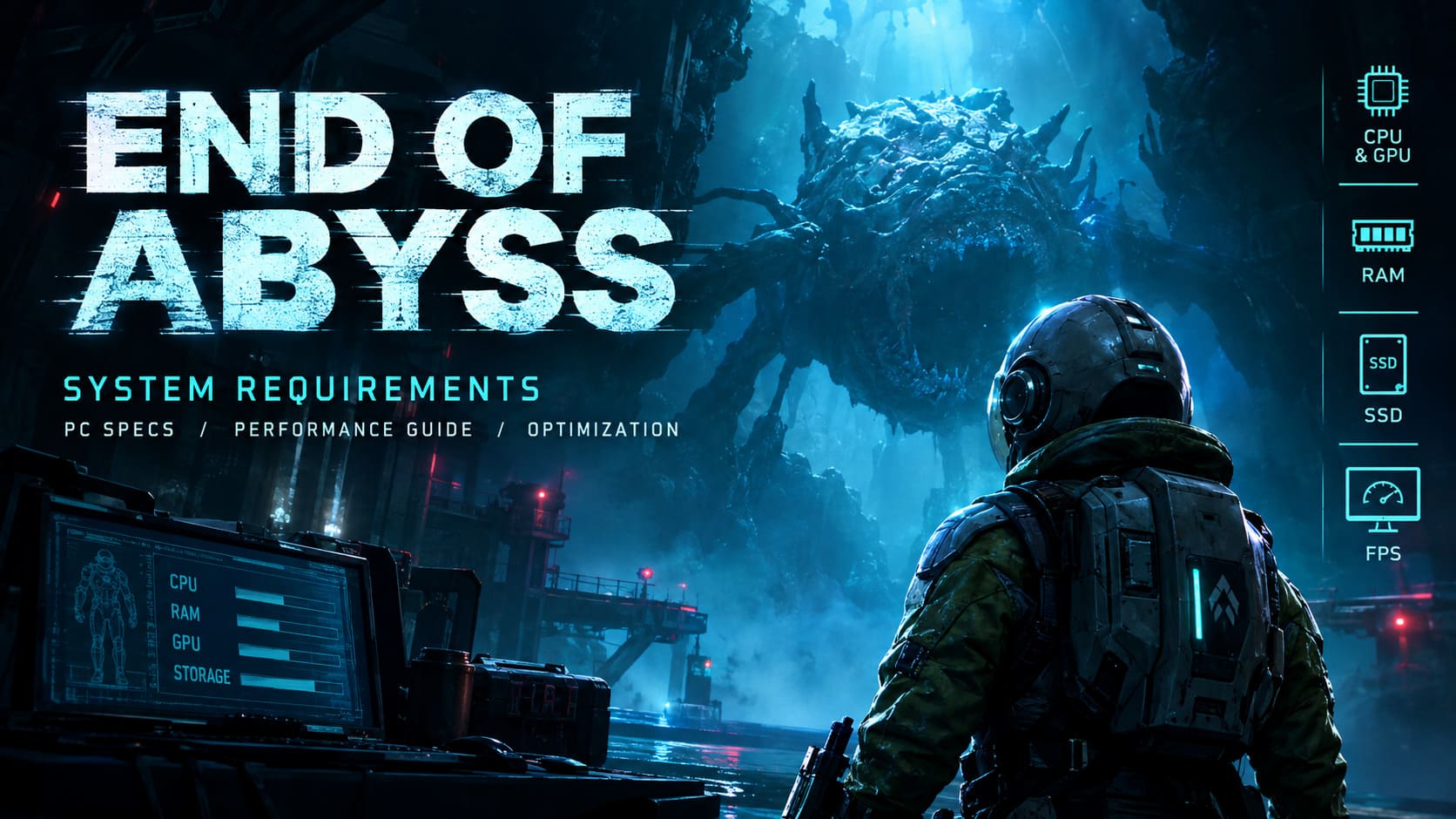
You play as Cel, a combat technician stuck in a dark, derelict underground facility crawling with horrific monstrosities. Mechanically it mixes:
- Top-down perspective with moody sci-fi atmosphere
- Twin-stick shooter combat
- Metroidvania-style exploration
- Proper survival horror tension
Honestly, that combo shouldn’t work this well on paper, and yet I’m already emotionally invested. But atmosphere like this costs performance. Volumetric fog, dense shadows and dynamic lighting don’t run on hopes and dreams.
The Official Specs (No Fluff, Just the Numbers)
Here’s what the store lists, laid out so you don’t have to squint.
| Component | Minimum | Recommended |
|---|---|---|
| OS | Windows 10 (64-bit) | Windows 11 (64-bit) |
| CPU | Intel Core i5-6600 or AMD Ryzen 5 2400G | Intel Core i7-11700K or AMD Ryzen 5 3600 |
| RAM | 8 GB | 16 GB |
| GPU | GTX 1060, RX 6500 XT, or Arc A380 | RTX 3050 or RX 6600 |
| DirectX | DirectX 12 | DirectX 12 |
| Storage | SSD highly recommended (~40 GB) | SSD required |
| Target | 1080p, low-medium, 30-60 FPS | 1080p, high, locked 60 FPS |
A few things jumped out at me right away.
The minimum GPU list is strange in the best way. A GTX 1060, an RX 6500 XT and an Arc A380 are wildly different cards from different eras, yet they share a tier. That tells me the developers are focused on the DirectX 12 feature set, not just raw horsepower.
The recommended CPU pairing is weird. An i7-11700K sitting next to a Ryzen 5 3600? Those aren’t equals by any stretch. The Intel chip is noticeably newer and stronger. I suspect the list was assembled loosely, so don’t panic if you own something in between. Your CPU is probably fine.
Windows 11 for recommended. Little jump, big eyebrow raise. If you’re still on Windows 10, you’re covered at minimum, but keep it in mind.
GPU or CPU: Where Should Your Money Go?
This is the question I see in every thread, so let me settle it: End of Abyss looks like a GPU-bound game. The atmosphere comes from lighting, fog and dense textures, not from thousands of AI agents or crazy physics simulations. So the graphics card does the heavy lifting.

The Graphics Card Situation
If you’re on a budget and can only upgrade one part, make it the GPU. Full stop.
The GTX 1060 will get you through the story at the minimum tier, and I respect that old workhorse. But its limited VRAM (people quote 3 GB or 6 GB depending on the variant) will choke the moment you push textures past medium. Don’t be the person posting “why is my game stuttering” after cranking everything to ultra on a 3 GB card. I’ll see you in the comments, and I’ll be gently judging you.
For the real experience, the community keeps praising the RTX 4060 and RX 7600 as the sweet spot for 2026. They let you use DLSS or FSR to hold high framerates even at 1440p. If a game looks this moody, I want to see the shadows properly.
The Processor Situation
Good news, because my wallet needed some. The CPU demands are chill. The minimum is an old quad-core i5-6600, which means almost any modern six-core from the last four years, like a Ryzen 5 5600X or Core i5-12400F, will blow past the recommended spec without stutter. If you already have one of those, close the CPU tab and go look at graphics cards.
RAM: Please, Don’t Trust the 8 GB Minimum
I have a personal vendetta against “8 GB minimum” labels, so let me vent.
Sure, 8 GB might technically load the game. But nobody plays with only the game open. You’ve got Discord chirping, a browser with 47 tabs, maybe streaming software running. On 8 GB, that’s a recipe for page-file stuttering, and community discussion on r/metroidvania and hardware subs backs this up. Nothing kills horror tension faster than a random freeze right before a jump scare.
My honest RAM advice:
- 8 GB: technically launches, but expect pain
- 16 GB: the real baseline in 2026, and the recommended spec
- 32 GB: the future-proof pick, and the one that helps smooth out micro-stutters during screen transitions and particle-heavy fights in the underground levels
If you’re building or upgrading anyway, RAM is one of the cheaper ways to make a PC feel better.
The SSD Rant (Yes, I’m Doing One)
Here’s my hot take: playing this on a hard drive is self-sabotage.
The store page says “SSD highly recommended” for minimum and “SSD required” for recommended. Modern DirectX 12 games stream assets constantly, and an old spinning HDD can’t keep up. Expect:
- Painfully long loading screens
- Late texture pop-in
- Micro-freezes when Cel moves between major sectors of the facility
In a game about creeping dread and exploring a sprawling complex, I want seamless movement, not a loading hiccup that pulls me out of the mood. A basic SATA SSD is fine, and NVMe is even better. Set aside around 40 GB of free space and don’t cut it close.
Consoles vs. PC: The Big Debate
The game launches at the same time on PC, PlayStation 5 and Xbox Series X/S. The PC version is exclusive to the Epic Games Store, so don’t go hunting for it elsewhere.
Console players can expect standard Quality and Performance toggles, with Performance mode reportedly aiming for reconstructed 4K at 60 FPS, roughly matching the PC’s recommended-tier fidelity. That’s honestly impressive if it holds.
Still, I’m team PC for this one, and here’s why:
| Feature | Console | PC |
|---|---|---|
| Frame rate | Capped (60 FPS target) | Unlocked |
| Ultrawide support | No | Yes |
| Twin-stick mapping | Standard layout | Custom peripheral mapping |
| Upscaling options | Fixed by the platform | DLSS/FSR choices |
The unlocked framerate and custom mapping matter a lot for a twin-stick shooter. When you’re aiming and dodging under pressure, the little control tweaks make a huge difference. But if you’re happy on a console, you won’t be missing out on the core experience.
Quick Compatibility Check (Do This Before You Buy)
Please, please check before you hit the pre-order button. It takes two minutes.
- Press the Windows key, type dxdiag, and hit Enter.
- On the System tab, check your OS, processor and memory.
- Switch to the Display tab to see your GPU and dedicated VRAM.
- Confirm the game will sit on an SSD with at least 40 GB free.
If you land somewhere between minimum and recommended, you’re ready to go. If you’re below minimum, upgrade the GPU first, RAM second.
End of Abyss Release Date, Gameplay, and Preview: Is This Sci-Fi Horror Metroidvania Worth Buying?
My Quick-Fire Upgrade Priority List
Since I know people love a cheat sheet, here’s how I’d spend money:
| Priority | Upgrade | Why |
|---|---|---|
| 1 | GPU (RTX 4060 / RX 7600 class) | The game is GPU-bound; VRAM matters |
| 2 | SSD | Prevents load hitches and texture pop-in |
| 3 | RAM (16 GB, ideally 32 GB) | Smoother transitions, no background stutter |
| 4 | CPU | Only if you’re on something ancient |
Final Thoughts From a Very Excited (and Slightly Terrified) Fan
Here’s where I’ve landed. End of Abyss looks like the kind of game that lives and dies on its atmosphere, and atmosphere demands decent hardware. The good news is that the entry barrier isn’t brutal. If your machine can handle a GTX 1060-level card, you’re technically in the door. But if you want the game the way the developers intended, with those thick shadows, dense fog and gorgeous grimy machinery, aim for the recommended tier or better, and put an SSD under it.
Would I love a few more details from the developers, like clearer VRAM guidance and cleaner CPU pairings? Absolutely. The oddities in the spec list still bug me a little. But I’m not going to let that dampen my excitement. October 1 can’t come fast enough.
So tell me: what are you running it on? Is your trusty GTX 1060 about to go out in a blaze of glory, or are you finally treating yourself to that RTX 4060? Drop your specs below. I’ll be in the comments, probably still refreshing the store page.
See you in the abyss.


